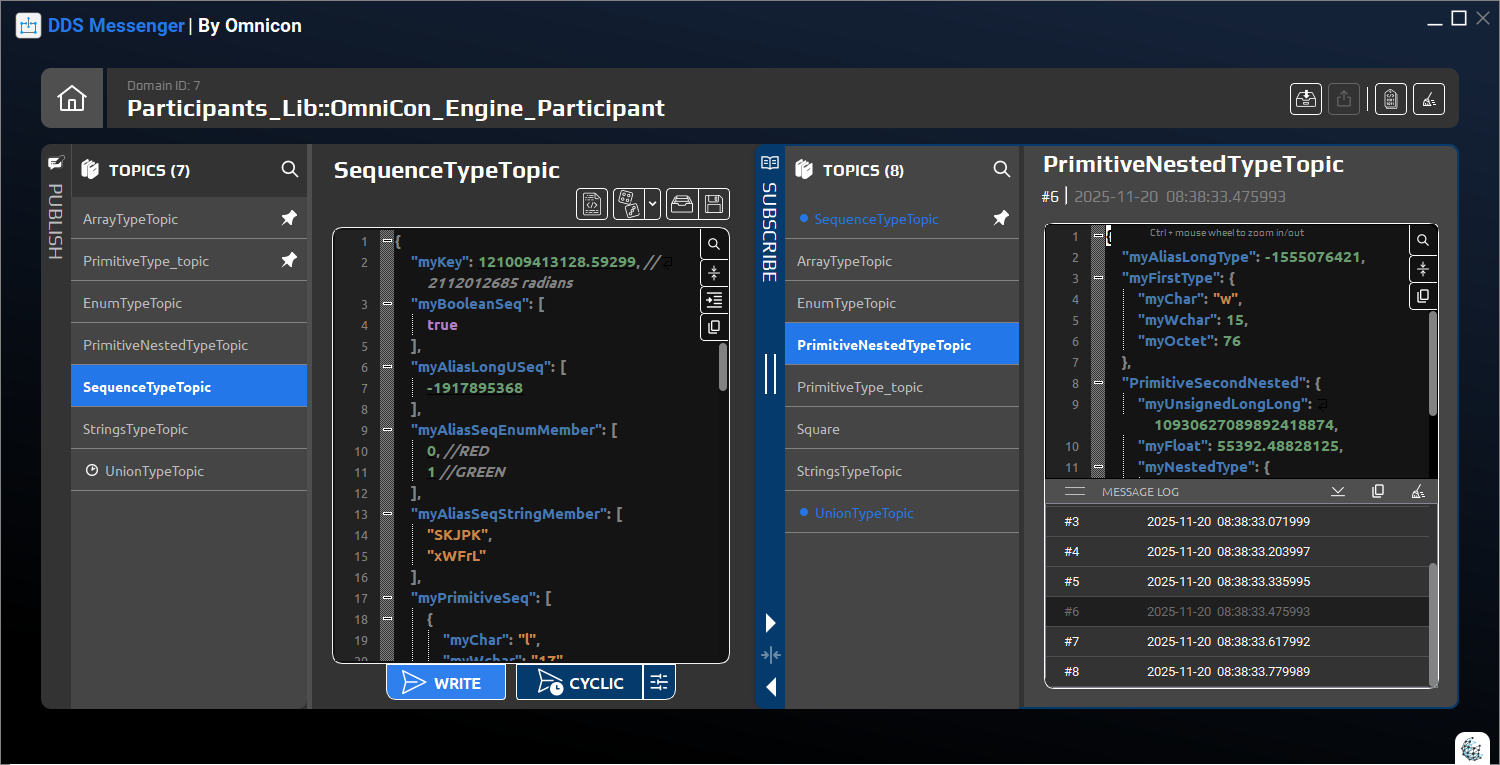
The simple way to create, publish and test DDS messages

DDS Messenger

Omnicon’s DDS Messenger is a simple, user friendly tool for exploring, creating and testing DDS messages. It lets you design generic or fully customized message formats, publish and subscribe in real time, generate example or random traffic and validate messages, so you can test DDS based applications faster, with less effort and fewer errors.

An intuitive and generic DDS message tool—no experts required

DDS Messenger is a simple, user friendly tool to design, publish, subscribe and validate DDS messages in real time, making application testing faster, clearer and less error prone.

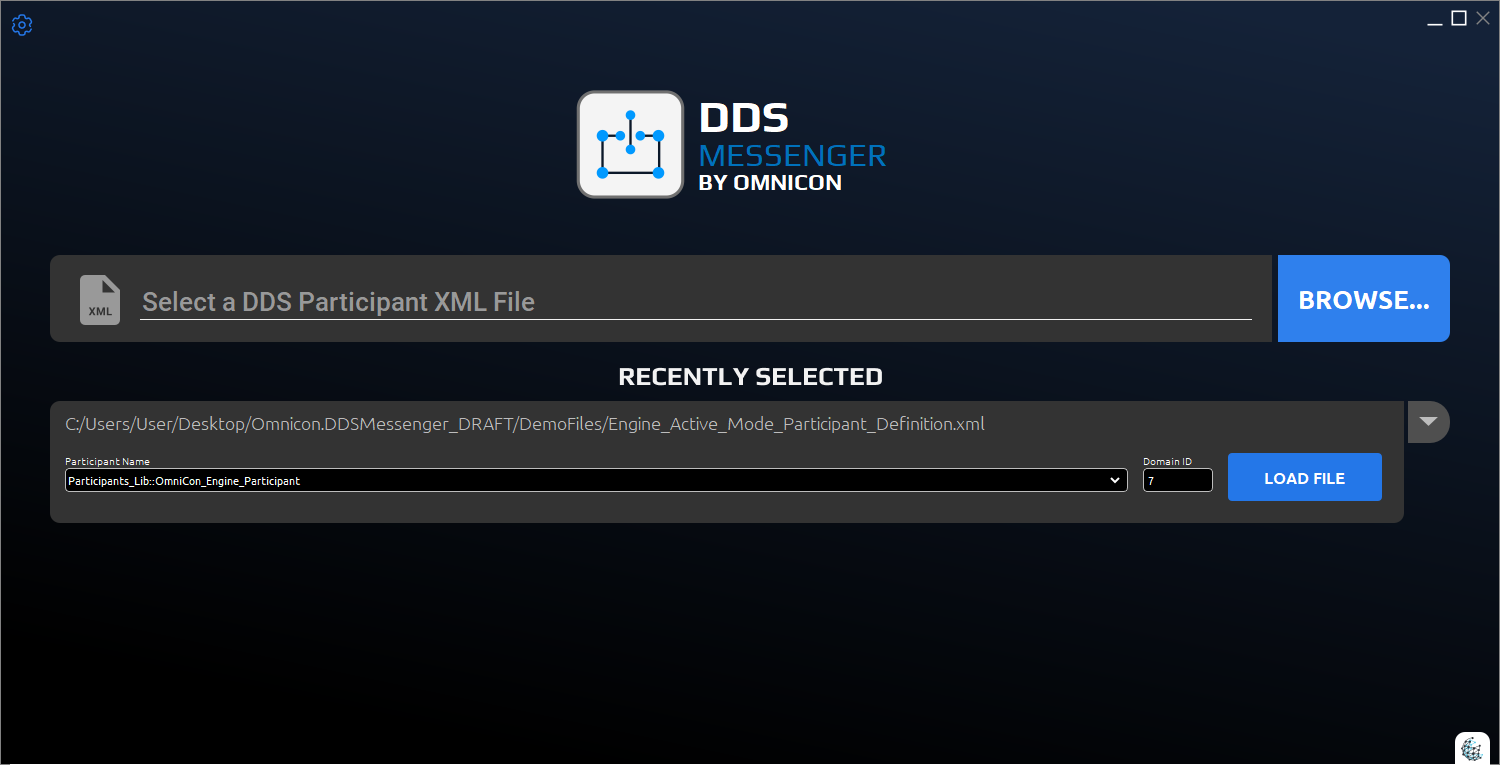
Load your DDS configuration and start messaging

No code generation needed - just load your DDS QoS and XML types and start publishing or subscribing to any message.

DDS Messenger connects directly to your existing DDS setup. By loading QoS profiles and XML type definitions, it automatically understands your topics and data structures, so you can immediately publish and subscribe to messages without generating code, writing stubs or changing your applications. This lets teams explore, test and debug DDS traffic using the exact configurations they already use in their systems.
DDS messaging without the learning curve

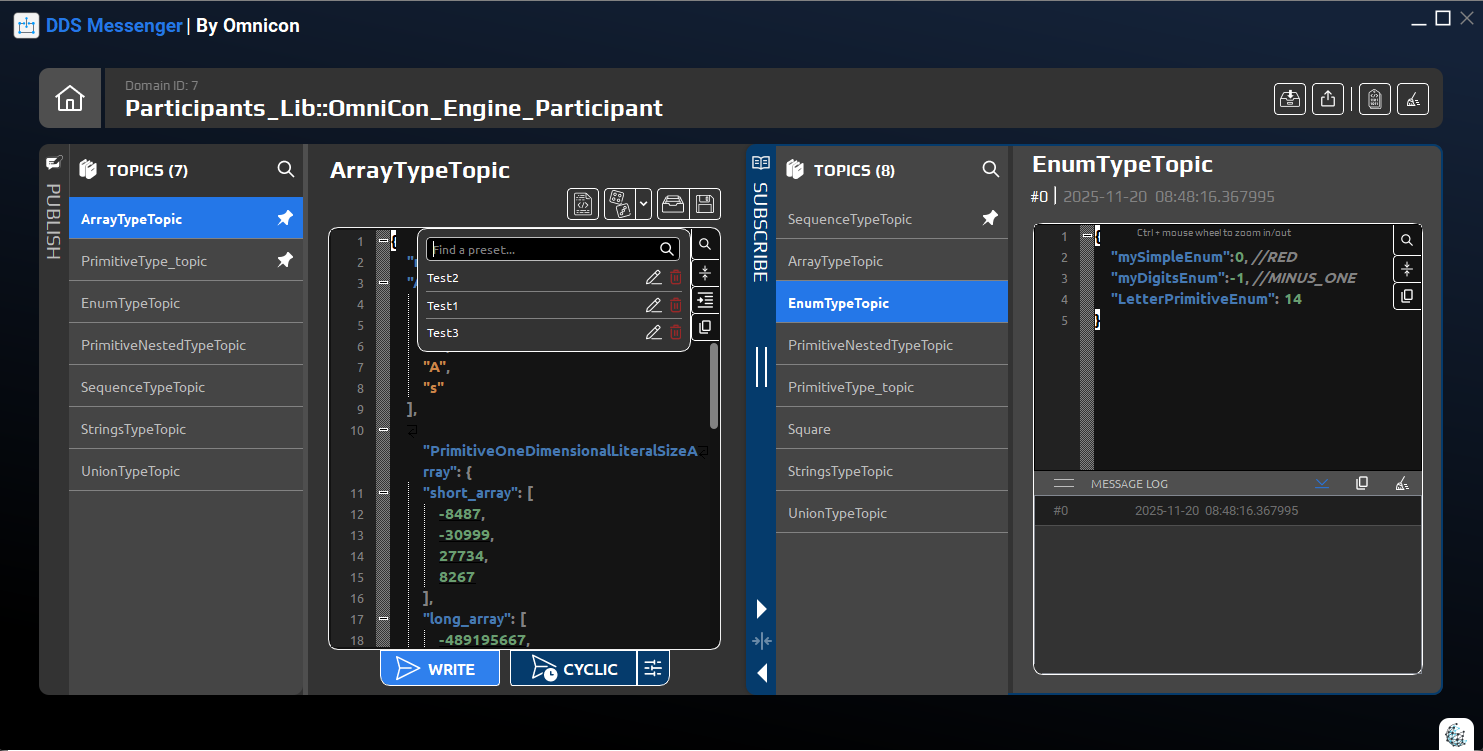
You do not need to be a DDS expert - just use a simple, intuitive messaging interface.

DDS Messenger is designed for developers, testers and system engineers who do not live and breathe DDS. Instead of exposing low level concepts, it presents clear fields, topics and values in a familiar, form based interface. You can send, receive and inspect messages quickly, focus on the behavior of your system and leave the DDS details to the tool.

Get a Demo
Save and replay message presets on demand

Create presets of messages and resend them whenever needed for regression, demos or troubleshooting.

With presets, you can capture useful messages or scenarios once and reuse them any time. DDS Messenger lets you store complete message definitions, including values and topics, then replay them with a click whenever you need to reproduce an issue, run regression tests or show a demo. This saves time, keeps tests consistent and makes it easy to share scenarios across the team.

Get a Demo
Validate every message you send and receive

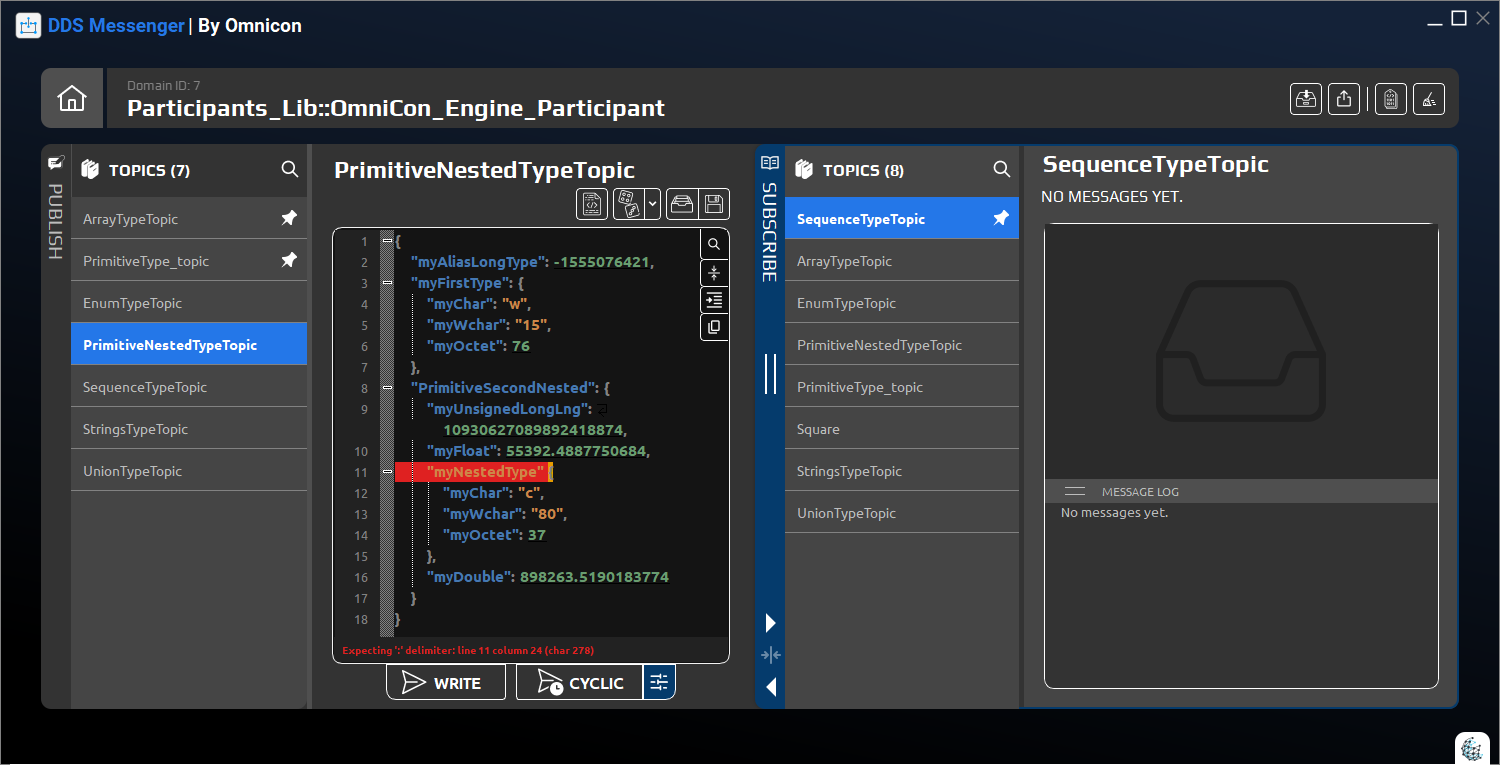
DDS Messenger verifies sent and received messages so you can be sure they are structured and delivered correctly.

The tool checks messages against their DDS type definitions and configuration, helping you detect mismatches, missing fields or invalid values before they cause problems. By validating both outgoing and incoming traffic, DDS Messenger reduces subtle interface errors, speeds up debugging and increases confidence that your DDS based applications are behaving as expected.

Frequently Asked Questions

Find answers to the most common questions about DDS Messenger. Learn how it simplifies DDS messaging, speeds up testing, and fits into your existing DDS environment – all in one place.

Yes. DDS Messenger is designed to work with any standards-compliant DDS implementation. It uses your existing DDS configuration (QoS profiles, XML type definitions and domain settings) to discover topics and types, so you can publish and subscribe to messages across different vendors without custom code or vendor-specific integrations.

Accessibility